A Guest Follow-Up Workflow Churches Can Actually Maintain
A form submission is not a follow-up system. Here is a practical framework for building a guest workflow your ministry can consistently own and maintain.

A guest fills out a form. Planning Center creates a record. An email may even send automatically. Yet a week later, no one can confidently answer a simple question: Did this person receive the right follow-up?
The problem is rarely a lack of care. More often, the church has mistaken a form or automation for a complete workflow.
A maintainable guest follow-up system needs five things: a clear trigger, one accountable owner, a response expectation, an exception path, and a definition of completion.
1. Define the trigger
Start by naming exactly what begins the workflow. “A new guest” is too vague. Is the trigger a connection card, a Church Center form, a check-in record, a text message, or a staff referral?
If several entry points exist, decide whether they feed one governed process or require separate paths. Overlapping forms with different fields and owners create duplicate records and inconsistent care.
Document:
- the approved intake sources;
- the minimum information required;
- how possible duplicates are reviewed; and
- which source becomes the official record.
2. Assign one accountable owner
Several people may contribute, but one role should own the outcome from intake through closure. Assign ownership to a durable role—not only to the person currently holding it.
For example, the Connections Coordinator may own the process while campus staff complete specific steps. A backup owner should be able to see overdue work and act when the primary owner is absent.
Planning Center can display an assignee. Leadership still has to define what that assignment means.
3. Set a response expectation
“Follow up soon” is not an operating standard. Choose a realistic expectation such as one business day, 48 hours, or the next scheduled ministry window.
The standard should specify:
- who makes the first contact;
- which channel is appropriate;
- when the step becomes overdue; and
- what happens after no response.
Consistency matters more than an ambitious promise the team cannot sustain.
4. Design the handoffs and exceptions
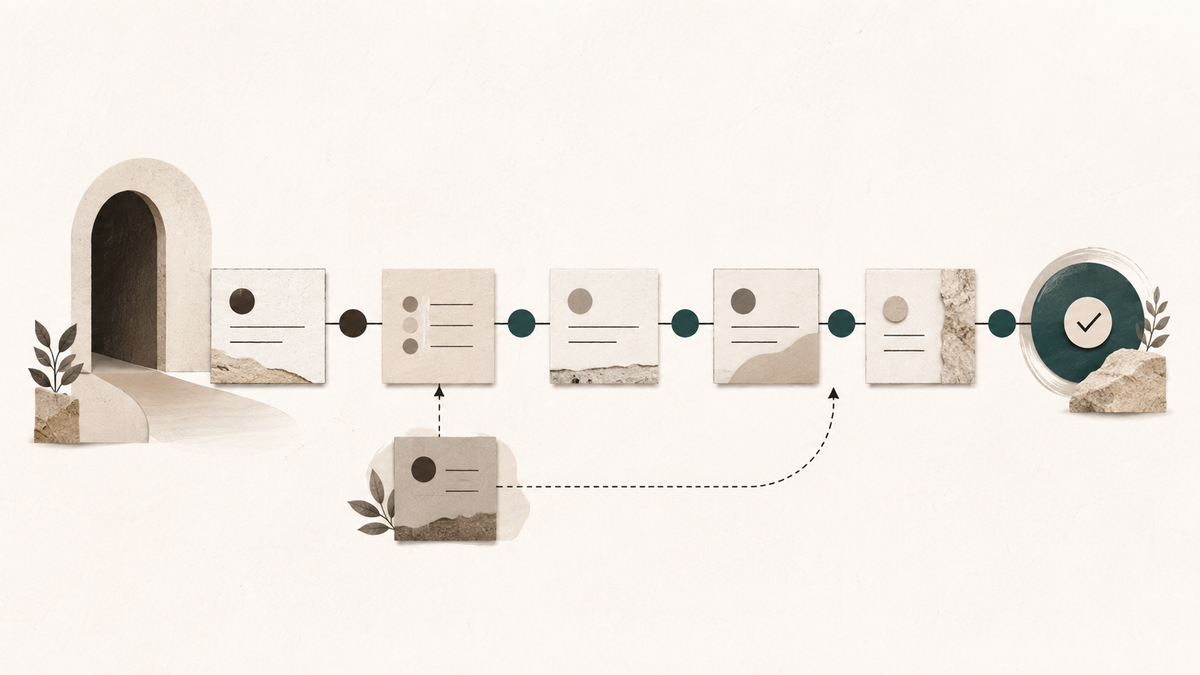
Guest journeys are not always linear. Someone may ask for pastoral care, select the wrong campus, belong to an existing household, or submit incomplete information.
Build a small set of explicit exception paths instead of asking staff to improvise each time. Sensitive requests should move only to authorized people. Duplicate risk should pause downstream automation until the record is reviewed. Campus transfers should have a visible receiving owner.
An exception is not a failure. An invisible exception is.
5. Define completion
A completed task is not always a completed outcome. Decide what closes the workflow:
- successful connection and an agreed next step;
- a documented number of contact attempts;
- transfer to another ministry with accepted ownership; or
- an intentional close with a clear disposition.
Avoid leaving cards open forever or closing them simply to clear a queue. The disposition should tell the next staff member what happened without exposing private pastoral details.
Review the workflow, not only the tool
Once a month, review a small set of signals: unassigned items, overdue steps, duplicate-risk records, exception volume, and cards closed without a meaningful disposition.
These are operational health indicators—not measures of a person's spiritual engagement. Use them to improve the process, not to reduce ministry to a dashboard.
A healthy guest workflow makes care more dependable. Planning Center supports that work best when ownership, timing, exceptions, and completion are already clear.
Join the OSI pilot and receive a focused operational snapshot.